

Your website does not need every flashy design trend to work better. For most small businesses, the best website improvements are simple: make the site easier to read, easier to trust, faster to load, and clearer about what visitors should do next.
That is why the most useful web design trends in 2026 are not just about style. They are about creating a better experience for real people — the kind of visitors who land on your site, skim quickly, compare options, and decide whether your business feels professional enough to contact.
If your website feels outdated, confusing, slow, or hard to use on mobile, these seven small business website trends can help you turn your site into a stronger part of your growth strategy.
What Is Changing in Web Design for Small Businesses?
Website design used to focus heavily on appearance. A site needed to look modern, match the brand, and include the right pages. Those things still matter, but they are no longer enough.
In 2026, small business web design is becoming more focused on:
- Clear messaging
- Mobile-first layouts
- Faster page speeds
- Trust-building content
- Simple navigation
- Helpful automation
- Stronger calls-to-action (buttons)
For a small business, this is good news. You do not need a complicated website to compete. You need a website that explains what you do, builds confidence quickly, and makes it easy for visitors to take the next step.
1. Personalized Website Experiences
One of the biggest web design trends in 2026 is personalization. This means your website feels more relevant to the person visiting it.
For large companies, personalization may include advanced tools that change content based on browsing behavior. For a small business, it can be much simpler. You might show local service areas, highlight the most relevant offer, or display testimonials from customers in the same type of business or location.
A personalized website does not have to feel complicated. It should simply help visitors find what matters to them faster.
Small business example:
A contractor could show service-area pages for nearby cities. A salon could highlight booking options for first-time clients. A local web design company could show different examples for restaurants, service businesses, and online stores.
What to do next:
- Add location-specific content where it makes sense.
- Show testimonials near the services they relate to.
- Create clear paths for different visitor types.
- Use simple wording that speaks directly to your ideal customer.
2. Conversion-Focused Page Layouts
A beautiful website is helpful, but a clear website is what gets people to act. In 2026, more small businesses are moving away from cluttered pages and toward layouts that guide visitors step by step.
This means every important page should have a clear purpose. A service page should explain the service, show why it matters, build trust, answer common questions, and invite the visitor to contact you.
Visitors should not have to guess what to do next. Your layout should make the next step obvious.
Small business example:
A website design page should not just list features. It should explain who the service is for, what problem it solves, what is included, and how someone can start the project.
What to do next:
- Give each page one main goal.
- Place your main call-to-action (action button) near the top and bottom of the page.
- Use headings that help people skim.
- Remove sections that do not support the next step.
- Make buttons specific, such as “Request a Website Quote” instead of “Submit.”
3. Mobile-First Design That Feels Easy to Use
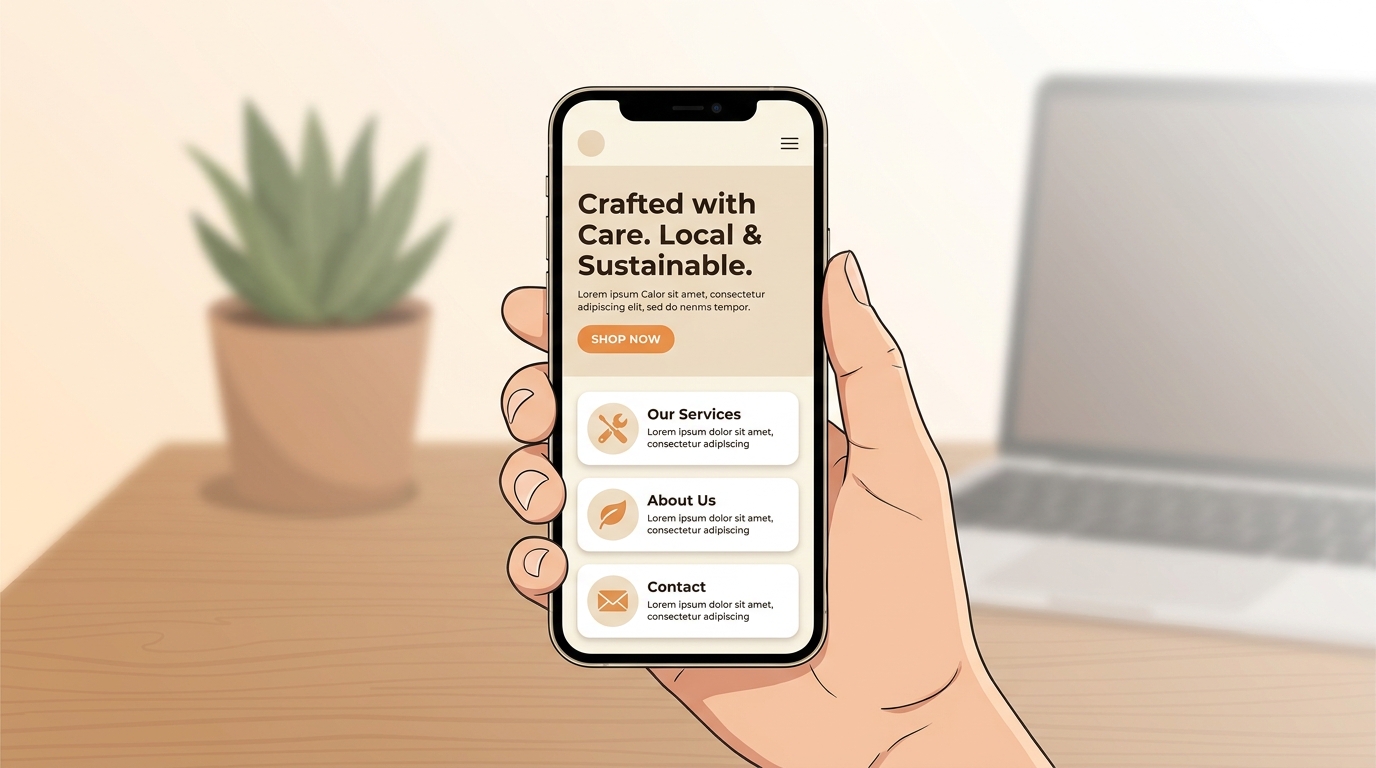
Mobile-first design is not optional anymore. Many customers will visit your website from a phone before they ever see it on a desktop computer.
A mobile-first website is not just a desktop site squeezed onto a smaller screen. It is designed so people can read, tap, scroll, and contact you without frustration.
For small businesses, this matters because mobile visitors are often ready to act. They may be looking for your phone number, checking your services, reading reviews, or trying to request a quote quickly.
Small business example:
A local service business should make the phone number, contact button, service area, and main offer easy to find on mobile. If visitors have to pinch, zoom, or hunt through menus, they may leave.
What to do next:
- Test your website on your own phone.
- Make buttons large enough to tap easily.
- Keep paragraphs short.
- Simplify your mobile menu.
- Make contact options easy to find.
- Check that forms are simple to complete on a small screen.
4. Clean Design With More Personality
Clean design is still one of the most important website design trends for small businesses. But clean does not mean boring.
In 2026, strong websites are combining simple layouts with more personality. That can include better photos, warmer copy, thoughtful color choices, helpful icons, and small design details that make the brand feel real.
This is especially important for small businesses because people often choose based on trust. If your website feels clear, current, and human, visitors are more likely to feel comfortable reaching out.
Small business example:
A cleaning company, consultant, restaurant, or web designer does not need a complicated design. A clean homepage with strong photos, simple service sections, testimonials, and a clear contact button can feel more trustworthy than a busy site with too much going on.
What to do next:
- Use real photos when possible.
- Improve spacing between sections.
- Choose fonts that are easy to read.
- Keep colors consistent with your brand.
- Remove outdated graphics or cluttered sections.
- Make sure each page feels professional but still human.
5. Smart Chat and Simple Automation
More websites are using chat tools, forms, and automation to help visitors get answers faster. This can be useful for small businesses, especially when the same questions come up again and again.
A simple chatbot or guided form can help visitors choose a service, ask about pricing, request a quote, or book a call. The key is to keep it helpful. Automation should make the experience easier, not colder or more confusing.
You do not need to make your website feel robotic. You need tools that support real customer service.
Small business example:
A website maintenance business could use a short form that asks what kind of help the visitor needs: website updates, backups, security, redesign, hosting, or general support.
What to do next:
- Add a simple contact form with useful questions.
- Use chat for common questions only if you can keep it helpful.
- Connect forms to your email or CRM.
- Create automated replies that sound friendly and clear.
- Make sure visitors can still reach a real person.
6. Trust Signals Built Into Every Page
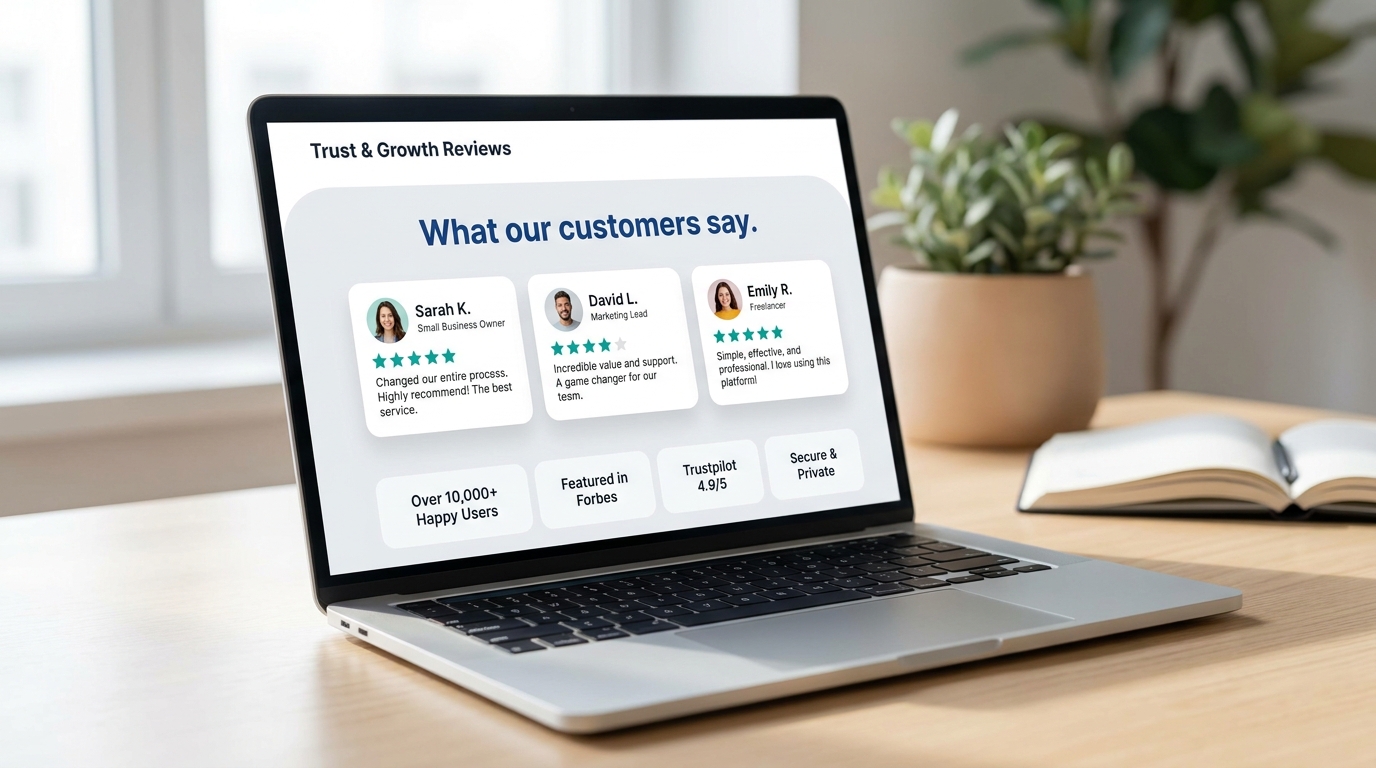
Trust signals are one of the most practical small business website trends because they help visitors feel safer taking action.
People want proof before they contact a business. They want to know you are real, reliable, and capable of helping them. That proof should not be hidden on one testimonials page. It should appear naturally throughout your website.
Trust signals can include reviews, testimonials, project examples, certifications, years of experience, before-and-after photos, clear contact information, and friendly explanations of your process.
Small business example:
A website redesign page could include before-and-after examples, client feedback, a short explanation of the redesign process, and a reminder that the site will be built to work well on mobile.
What to do next:
- Add testimonials near important calls-to-action.
- Show real project examples when possible.
- Include service areas if you work locally.
- Make your contact information easy to find.
- Add FAQs that answer common concerns.
- Explain your process so visitors know what to expect.
7. Faster, Lighter Websites That Keep Visitors Engaged
Website speed continues to matter in 2026. A slow website can frustrate visitors, hurt the user experience, and make your business feel less professional.
For small businesses, speed is not just a technical detail. It affects how people feel when they use your site. If a page takes too long to load, visitors may leave before they ever read your message or see your offer.
A faster website usually comes from better image sizes, fewer unnecessary plugins, cleaner layouts, reliable hosting, and regular maintenance.
Small business example:
A service business with large uncompressed images, outdated plugins, and too many popups may look fine at first glance but still lose visitors because the site feels slow and frustrating.
What to do next:
- Compress images before uploading them.
- Remove plugins you do not use.
- Keep WordPress, themes, and plugins updated.
- Use reliable hosting.
- Avoid oversized videos or heavy effects.
- Review your website regularly instead of waiting until something breaks.
Quick Website Checklist for 2026
If you want to improve your website this year, start with these simple questions:
- Can visitors understand what you do within five seconds?
- Is your website easy to use on a phone?
- Is your main call-to-action clear?
- Do your service pages explain what is included?
- Do you show testimonials, reviews, or real examples?
- Does your website load quickly?
- Is your contact information easy to find?
- Does your website feel current and trustworthy?
If you answer “no” to several of these, your website may not need a complete rebuild. It may need a smarter redesign, better content, or ongoing maintenance to help it perform better.
FAQs About Web Design Trends 2026
Why are web design trends important for small businesses?
Web design trends help small businesses understand what customers expect from modern websites. The most important trends are not just visual. They improve readability, mobile usability, trust, speed, and the path from visitor to lead.
Do small businesses need to follow every new web design trend?
No. Small businesses should focus on the trends that improve the customer experience. Clear messaging, mobile-friendly design, faster pages, trust signals, and strong calls-to-action usually matter more than flashy effects.
How often should a small business website be updated?
Most small business websites should be reviewed every 6 to 12 months. Regular reviews help you catch outdated content, slow pages, broken links, old plugins, weak calls-to-action, and design issues before they hurt your results.
What is the most important website trend in 2026?
The most important trend is creating a website that is clear, helpful, and easy to use. A site that loads quickly, works well on mobile, explains your services, and builds trust will usually perform better than a site that only looks trendy.
Can a website redesign help generate more leads?
Yes, a thoughtful website redesign can help generate more leads when it improves clarity, trust, mobile usability, page speed, and calls-to-action. The goal is not just a better-looking website. The goal is a website that helps visitors feel confident enough to contact you.
Final Thoughts
The best web design trends 2026 are not about chasing every new style. They are about building a website that works better for your business and your customers.
For small businesses, that means your website should be clear, mobile-friendly, trustworthy, and easy to act on. It should help people understand what you offer, why they should trust you, and how to take the next step.
If your current website feels outdated, confusing, slow, or hard to manage, it may be time to make improvements. A smarter redesign, better website maintenance, or a clearer content strategy can turn your website into a stronger part of your business growth.
Kreative Mojo Design helps small businesses build clean, modern websites that are easier to trust, easier to use, and built to support real business goals.
Explore website design services or learn about website maintenance to see how your website can work harder for your business.